

Windsor.ai
Developer
- Windsor.ai
Category
- Data Warehouse
Pricing
OverviewConnect Klaviyo to Claude, ChatGPT, Copilot, Gemini, Looker Studio, Google Sheets, BigQuery, Snowflake, Power BI and more. Ask AI about your Klaviyo data or build dashboards and ROAS reports. OAuth setup, field mapping and scheduled syncs. SOC 2 Type II & GDPR.
Features
Send Klaviyo data to LLMs, Data Studio & BIExport events, metrics, profiles, and campaign data to Claude, ChatGPT, Copilot, Gemini, Data Studio, Google Sheets, BigQuery, Snowflake, Tableau, Power BI, or Excel for dashboards and reporting.
Combine Klaviyo + ads/CRM for 360° viewBlend Klaviyo with Google Ads, Meta, Shopify, GA4 and your CRM to build a single customer view. Improve segmentation, LTV analysis, and attribution with clean, normalized data.
Scheduled syncs with alerts and historyChoose hourly or daily schedules, monitor job status, and get error notifications. Automatic schema handling and de-duplication keep data consistent and reliable.
Enterprise-grade security and complianceSOC 2 Type II, GDPR, and EU/Swiss data hosting options. Access controls, encryption in transit/at rest, and audit logs protect your Klaviyo data end to end.

User GuideGet started with Windsor.ai’s Klaviyo connector in 4 stepsConnect Klaviyo to Claude, ChatGPT, Data Studio, Google Sheets, BigQuery, Snowflake, or your data warehouse. This guide covers OAuth setup, field mapping, first sync, and building your first report.

User GuideKlaviyo Connector Field ReferenceComplete Klaviyo field list: metrics, events, properties, IDs, types, API names, and Windsor.ai schema mapping.
User GuideConnect Klaviyo to Looker StudioStep-by-step guide to visualize Klaviyo metrics/events in Looker Studio. Authorize via Windsor.ai OAuth, pick fields/date range, and build dashboards with ready-made templates.
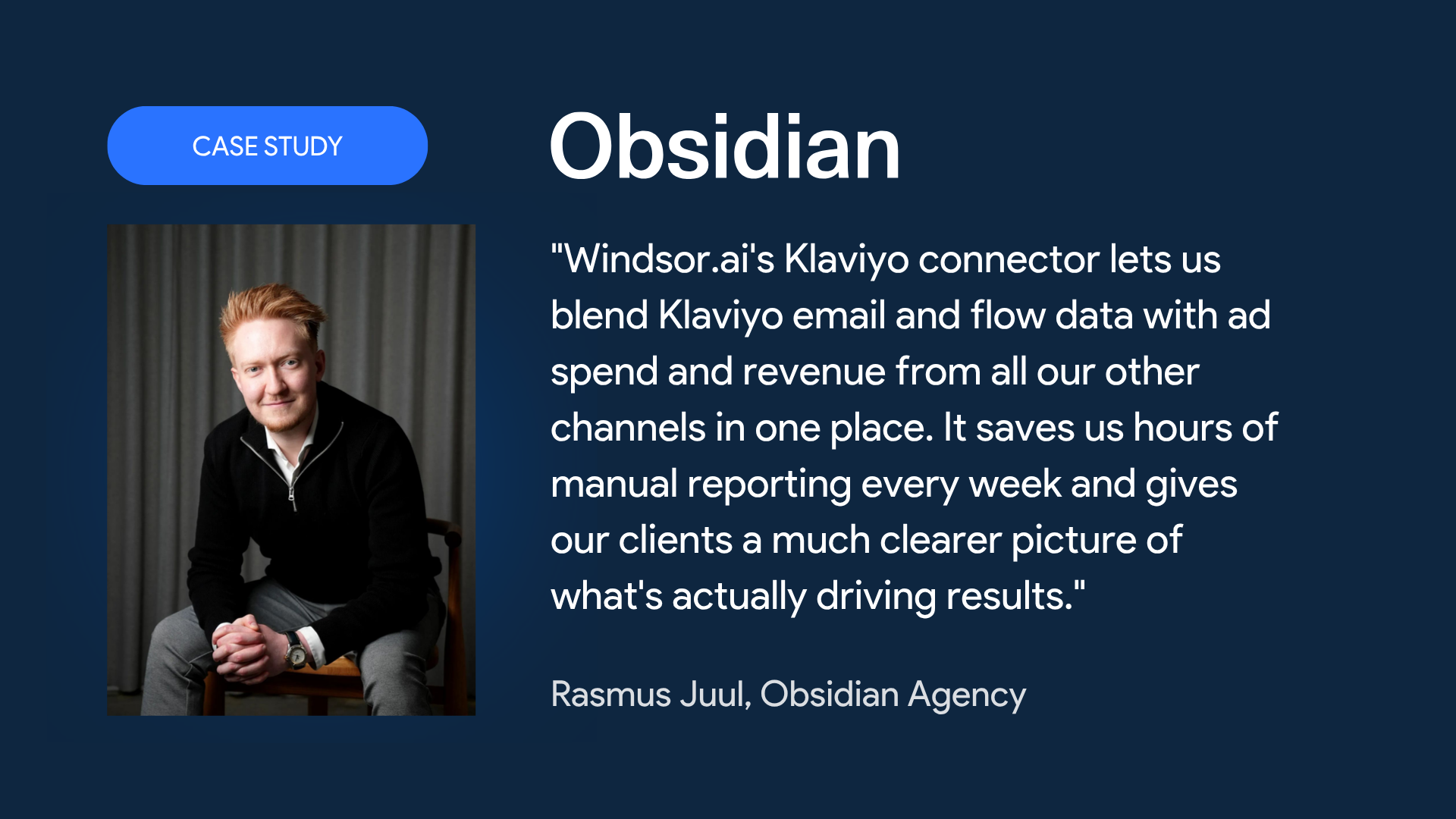
Case StudyCase Study: Obsidian Agency